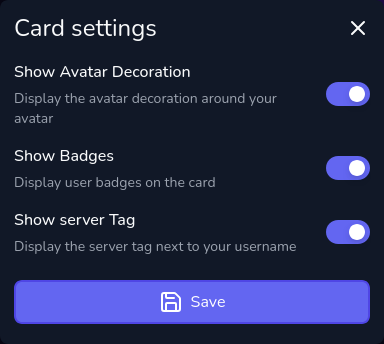
This feature allows you to tweak the look and feel of your cards to better match your personal style or branding, by enabling or disabling certain elements on your cards.
Each card type has its own settings that you can customize. To access the settings for a specific card type, go to the Cards page in the sidebar, and then click on the icon next to the card type you want to customize. If you don't see the settings icon, it means that the card type doesn't have any customizable settings.
Available Settings
The available settings may vary depending on the card type. For example, the Discord Presence card type has the following settings: