Linking your Discord account to your Miwa.lol account allows you to use the Discord presence card, which shows your current activity on Discord. It's also useful to use our Discord bot.
Linking your Discord account
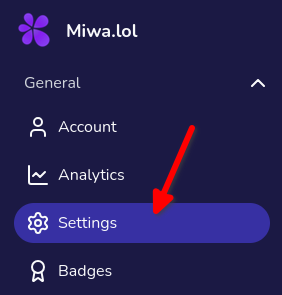
- 1.Go to your dashboard, then go to the Settings page.
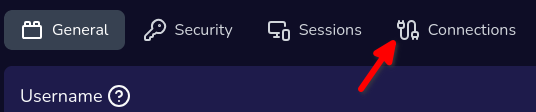
- 2.Go to the Connections tab.
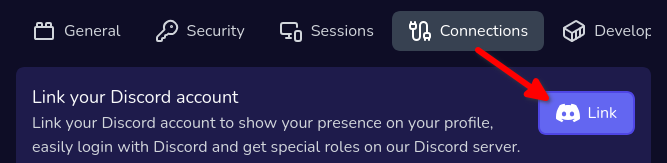
- 3.Click on the Link button.
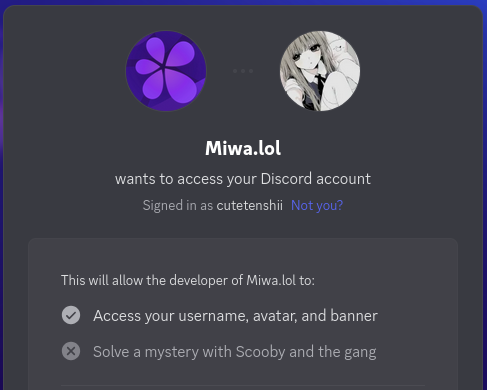
- 4.You will be redirected to the Discord authorization page. From there, authorize Miwa.lol to access your Discord account.
- 5.Once authorized, you will be redirected back to the Miwa.lol dashboard. If everything went well, you should see something like this: