
To add links to your profile, go to the Links page of the dashboard. Select the social media platform you want to add a link for, and enter your username or profile URL.
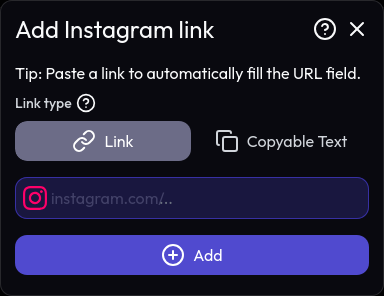
Then, click the Add button to add the link to your profile. You can add multiple links by repeating this process.
Link types
Here are the types of links you can add to your profile:
- Link: The link will be displayed as a clickable link.
- Text: The link will only be copiable text, without a clickable link.